
Sound design
How to prepare a video for sound design
Build a clear handoff with the right picture version, usable audio and a few checks before you send the files.
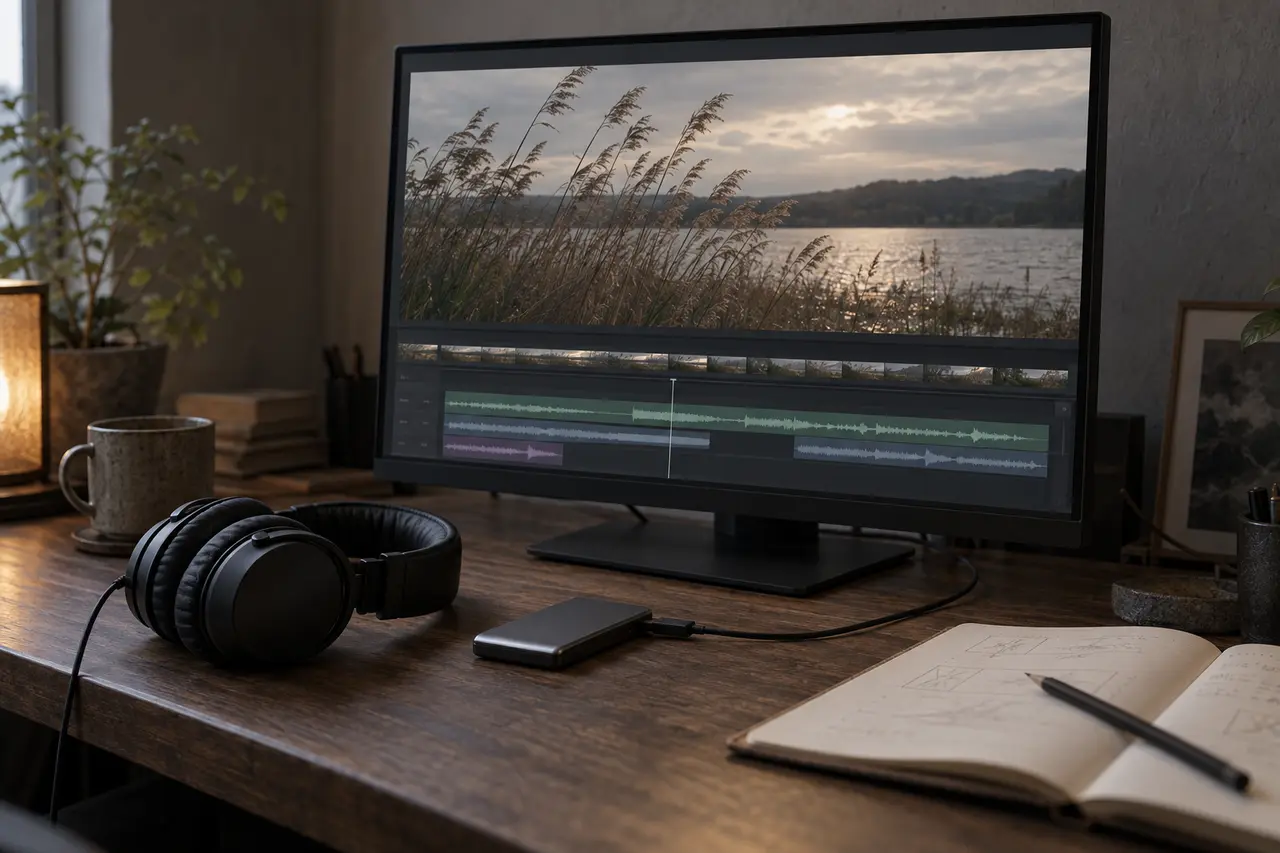
For a sound-design handoff, prepare a clearly identified reference video with guide audio, the agreed editable audio or separate exports, and a short delivery note. Check that the files open and stay in sync before sending them. Agree the package with the recipient first: a request for new effects may need different material from a project that also includes dialogue editing and a final mix.
Agree the package before exporting
Tell the sound team which editing application and version you use, what audio already exists and which tasks you are commissioning. Ask for the preferred video format, audio format, sample rate, bit depth, channel layout and transfer method. Confirm whether they need an AAF, continuous audio files, source recordings or a combination. You do not need to export every possible format.
For a first enquiry, an accessible review link and a description of the edit are enough to start the conversation. AER’s sound design services include atmospheres, transitions and designed effects shaped to picture. Dialogue work, original music, mixing and specific delivery versions should be discussed as part of the scope.
Export a reference that identifies the edit
Make a single reference movie for each agreed cut, with guide audio that reflects the editor’s current intention. Use a filename with the project, cut, version and date. Record the exact frame rate, sequence start timecode, programme duration and whether the picture is locked. If there is a leader or black before the programme, identify where the actual content begins.
Ask whether the recipient wants visible sequence timecode and a version label. Keep them readable without covering an action or a speaker’s mouth. Adobe’s export overlay guide describes timecode burned into an exported movie; when exporting a sequence, its Media File time source refers to sequence timecode. Open the resulting file to verify the overlay, rather than relying on what appeared in the editing monitor.
Confirm a codec and resolution the recipient can play reliably. Do not change the edit’s speed, frame rate or starting point just to make a smaller reference. Check that the export has the expected shots, ending, guide audio and any graphics needed to understand a sound cue.
Keep useful audio separate and labelled
A guide mix shows how the editor heard the cut. It does not provide independent control over dialogue, music and effects. Keep that reference, then prepare the separate material agreed with the sound team.
| Material | Identify in the handoff | Explain what should happen |
|---|---|---|
| Production sound and dialogue | Scene, take or track names that connect to the edit | Retain, edit or replace; note known noise or sync issues |
| Voice-over | Language, speaker and take/version | Approved recording or temporary timing guide |
| Music | Track title and edit/version | Approved music or a temporary reference to replace |
| Existing effects and ambience | Track names and source files, if requested | Essential creative choices or placeholders |
Label temporary files clearly. Identify any processing that defines the intended sound, and ask whether an untreated alternative is needed. Do not remove an essential effect or flatten every track into one file without discussing the consequences.
If continuous WAV tracks or grouped stems are requested, export them from the same agreed start to the same agreed end. Preserve leading silence so a late entry stays in place, and agree how much room to leave for endings. This common-range approach applies to continuous exports; an interchange package can preserve individual clip positions instead.
Test an AAF with its media
AAF, or Advanced Authoring Format, is an interchange format for media and edit information. If the recipient requests it, confirm the export settings and test a small representative section before preparing the full package. Include dialogue edits, fades and any processing that needs checking.
Adobe’s AAF export documentation distinguishes embedded audio from separate audio files. If you choose separate audio, send the accompanying media folder too. It also provides handles for trimmed clips: extra material before and after an edit, where the source has it. Agree the handle length and treatment of effects with the recipient. Do not assume every application will reproduce the edit identically.
Ask the recipient to confirm that the test opens, finds its media and matches the reference. Check important effects against the guide; export a clearly labelled processed reference or an untreated alternative when agreed. A successful export message alone does not verify the handoff.
Check sync at the beginning, middle and end
Play the exported reference outside the editing application. Then check the audio package against that exact movie in a fresh session, or arrange the check with the recipient. For continuous exports, use the agreed start position. For an AAF, confirm imported clip positions and media links.
Compare a few clear actions or dialogue moments near the beginning, middle and end. Listen for missing lines, unexpected silence, clipped endings or duplicated guide audio. If alignment is wrong or changes through the film, recheck the version, start position, frame rate and export settings. Report the issue instead of shifting files until one moment appears correct.
Also check the shared package itself: download it to a separate folder, open it and confirm that the reference, audio, media folders and notes are all present. A link that opens only for the editor is not a usable delivery.
Send one delivery note and preserve versions
Here is a fictional handoff note for a 30-second film. It is a teaching example, not an AER project or a required specification.
- Picture: ProductFilm_30s_v03_2026-10-17; 25 fps; start 01:00:00:00; programme duration 00:00:30:00; no leader.
- Edit status: Picture locked for this handoff. Contact the producer before starting if the reference and audio differ.
- Included: Reference movie with guide mix; tested AAF with its separate media folder; track list and cue notes.
- Audio status: VO_EN_v02 is approved. MUSIC_TEMP and FX_TEMP indicate timing and direction and are to be replaced within the agreed scope.
- Open point: Confirm the requested final mix and separate delivery files before the first review.
- Reviews: Name the person consolidating feedback and give the agreed review and approval dates.
Keep previous deliveries. If the picture changes, send a new version with a change list tied to the old and new references. Identify moved shots, inserts, deletions, speed changes and altered durations. Discuss the effect on sound work and the schedule before replacing the working reference.
Before you share the package
- The picture version, frame rate, timecode and edit status are clear.
- The reference plays correctly and its guide audio matches the cut.
- Final and temporary audio are labelled; requested separate material is included.
- A requested interchange package has been tested with its media.
- Sync and endings have been checked against the supplied reference.
- The transfer link works for the recipient and the delivery note lists any missing items.
You can bring unresolved technical questions to the first conversation. Use the project enquiry below to describe the film and the sound work you need; agree a transfer method before sharing confidential footage. The checklist helps prepare a handoff, while the actual scope and delivery requirements remain specific to your project.
Sources and further reading
Adobe: Add a visual watermark during export explains exported text and timecode overlays. Adobe: Export AAF files documents media packaging, handles and export options. Both were checked on 17 October 2026. The organisation, checks and fictional note above are AER editorial guidance, not universal export settings.