
Mixing & mastering
How to prepare audio files for a mixing engineer
Agree the handoff, preserve the sounds that matter and check your exports before sending a song for mixing.
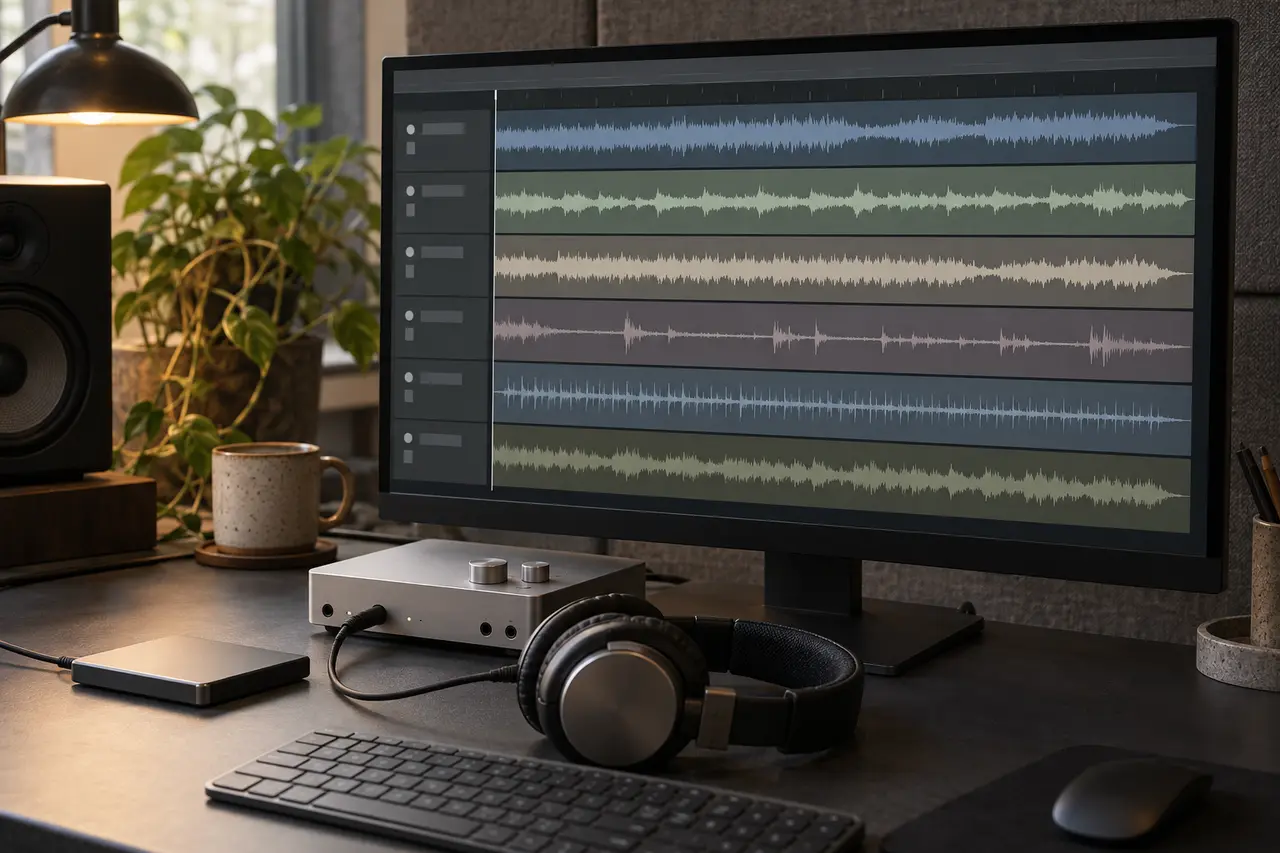
To prepare a song for mixing, first agree which separate audio files the engineer needs. Export them across the agreed timeline, explain any processing that defines the sound, and check the files in a blank session. Include the current rough mix and a short note about the song, its version and the decisions still open.
The aim is a handoff the engineer can understand and check. Confirm the approach with the recipient before exporting the whole project; the questions below are a preparation guide, not a fixed AER export specification.
Confirm whether to send multitracks or stems
People sometimes use “stems” to mean every separate file. Ask what the recipient expects in practical terms.
| Material | Example | What to agree |
|---|---|---|
| Multitracks: individual elements | Kick, snare, bass, lead vocal and backing vocals as separate files | Which parts, selected takes and alternatives belong in the handoff |
| Stems: related elements mixed into groups | A drum submix or a backing-vocal submix | Whether those groups leave enough control for the requested changes |
| Rough mix: a listening reference | The current mix of the whole song | Which version represents your intention and what you still want changed |
The individual-track and grouped-stem distinction follows iZotope’s explanation of stems and multitracks. If the backing vocals need separate treatment, say so before combining them into one group. A clear file list is more useful than the label “stems” alone.
Agree the export settings before making a full batch
Send the engineer a short description of your session and ask for the required handoff. Resolve these points together:
- File format, sample rate and bit depth.
- Which files should be mono or stereo.
- The shared start point and end point, including the agreed effect tail.
- How to handle groups, shared effects and processing on the main output.
- Whether a session file or a small test export is also wanted.
Ableton’s stem-export guide illustrates a common-range export and recommends agreeing the sample rate with the recipient. Other software has its own controls. Keep the agreed settings in your delivery note so a later replacement can follow the same plan.
Explain which effects belong to the sound
A distorted bass, a printed vocal delay or a heavily shaped drum group may express a deliberate production choice. Mark those decisions clearly. If the engineer requests an unprocessed alternative, label it separately and identify the intended version in the rough mix.
Check where processing happens: on an individual track, a group, a shared return or the main output. In Live, the export choice to include return and main effects changes what is printed into separate files; the Live export manual explains that control. Discuss the equivalent routing in your software so the recipient knows what each file contains.
For example, a useful note might say: “The lead-vocal delay is part of the arrangement. The file marked FX is the intended sound; an additional dry vocal is included as requested.” This is an illustrative note, not an account of an AER session.
Check the files together in a blank session
Keep the source session and recordings backed up. Then import the exported files into a blank session using settings that preserve the agreed timing. Check any automatic time-stretching behavior before judging alignment.
Here is a hypothetical handoff with an agreed export range of 00:00–03:48. These times are examples, not required song lengths.
| File | Musical event | What to check on import |
|---|---|---|
| Lead vocal | First phrase enters at 00:32 | The export retains the leading silence, so the phrase still enters at 00:32 |
| Drums | Final hit at 03:40 | The hit stays in place within the shared timeline |
| Vocal delay | The last repeat fades before 03:48 | The agreed ending includes the repeat without cutting it off |
Listen through the imported set alongside the rough mix. Check the opening, section changes, late entries and ending. Look for missing parts, accidental alternate takes, unexpected silence or duplicated effects. Solo a file if something sounds wrong, then return to the full arrangement.
Use the rough mix to check the intended arrangement and flag differences. If a difference comes from an agreed change in processing, describe it in the note. Resolve unexplained timing or missing-file problems before sending the package.
Include a rough mix and a concise delivery note
Name the song and version consistently across the folder, rough mix and note. A simple pattern such as SongName_v03_LeadVocal_FX.wav can help distinguish a file; agree any naming convention the engineer needs.
The note should cover:
- The current version and a matching file list.
- Tempo and tempo changes, where relevant to the session.
- What should stay and what you want the mix to change, with timestamps.
- Intended effects, requested alternatives and known recording or editing issues.
- Reference tracks or links, with a sentence explaining what to listen for.
- Required versions, the approval deadline and the person gathering feedback.
“Keep the verse vocal close; let the chorus feel wider” gives the engineer a decision to discuss. A reference becomes more useful when you identify the vocal placement, space or movement you mean. Include the rough mix even when it has problems, and explain those problems directly.
Run this final handoff checklist
- The engineer has confirmed the file type, grouping and export settings.
- The files use the agreed timeline, and the blank-session check is complete.
- Intended effects and any requested alternatives are labeled.
- The rough mix, file list and delivery note refer to the same version.
- Editing, vocal work, revisions and required outputs have been discussed.
- The source session is backed up, and a suitable transfer method is agreed before sending unreleased audio.
AER’s mixing service works with multitracks or stems; editing, vocal work, revision rounds and export versions are agreed before the session. Use the project enquiry below to describe your available files and the changes you want. If the export setup is still unclear, include that question before preparing more files.
Sources and further reading
iZotope: stems and multitracks supports the terminology. Ableton: importing and exporting stems and the Live export manual describe that software’s export workflow and controls. The delivery note, hypothetical timing example and checklist are AER editorial guidance. Sources checked 17 October 2026.